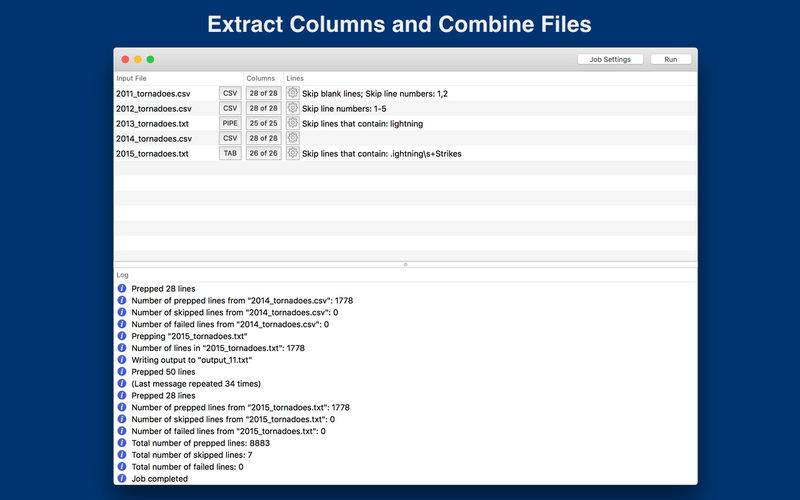
Data Prepper lets you extract, reorder, and transform columns from a CSV file.
If you get file feeds from a vendor, or need to reformat data before inserting it into a spreadsheet, or need to extract only a few columns and rearrange them before inserting them in a database, then Data Prepper will come in handy.
Some useful features:
– Merge multiple files into one results file
– Rearrange columns in input files
– Include only a subset of columns
– Add empty columns
– Combine multiple files in to one output file
– Trim whitespace from all columns or selected columns
– Skip blank lines, numbered lines, or lines that contain a pattern
– Read and reformat dates, times, and numbers
– Powerful Regular Expressions can be used to match strings for replacement
– Settings for both a job of files, as well as individual input files
– Supports Tab-delimited, Pipe-delimited, and CSV files
– Preview your files before running the job
– Extensive logging showing any issues with the job
– Auto run a job by dragging and dropping files on to the app icon
Data Prepper can be used for many important tasks, such as:
– Off-the-grid data processing
– Making tables from data scraped from the internet
– Reformat dates, times, and numbers the way you prefer
– Combine files into one for importing into databases or other systems
… and much more!
If you’re a professional who is deluged with data, and you need to make sense of it all, get Data Prepper and save some time!