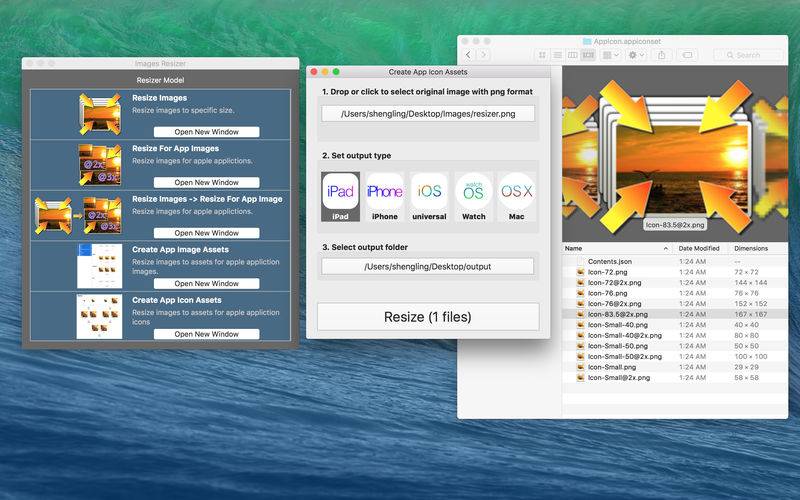
Image Resize takes any image and creates a full set for images, icons or universal assets with 3 steps. Drop file or folder, select output type, select output folder.
For iOS development, we need prepare 3 different size images for each image, @1x, @2x, and @3x. we also need rename for each file. Image Resize will save your a lot of time. Drop-Select-Output.
For App icon, there are 21 different icon sizes required for an App. It’s crazy for each developer. Use Image Resize, just Drop-Select-Output.
– Support iPhone, iPad, iPad Pro, Mac, Apple Watch and Apple TV.
– Support resize to custom size for batch.
– Support PNG, JPG, JPEG, BMP, TIFF
– Support file folder format.
– Support Image Assets.
– Support Icon Asset.