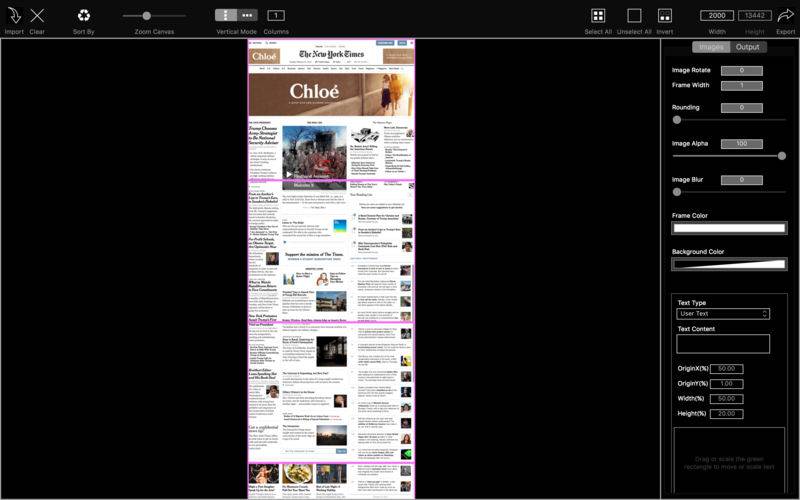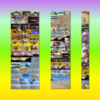
Quick to merge/concat many images as a long image ( vertical or horizon collage).
The tutorial video is available on our website:
www.MiniArtSoft.com
How it works:
1. Drop folders or images onto Import icon (the leftmost button on the toolbar )
2.Adjust images’ properties
3.Drag the Export icon out to save the result
Features:
– Sorts images by Created | Modified Time |Shot Time | File Name | Image’s ratio of Width/Height
– Adds timestamp | text on image
– Sets bunch of properties for image
Tutorials:
– Left-click on image to select/deselect it
– Right-click on image to duplicate or remove image(s)
– Drag one or more selected image(s) onto another image to change theirs position
– Magnification gesture to scale image
Output:
PNG | JPG | TIFF | BMP | JPEG2000