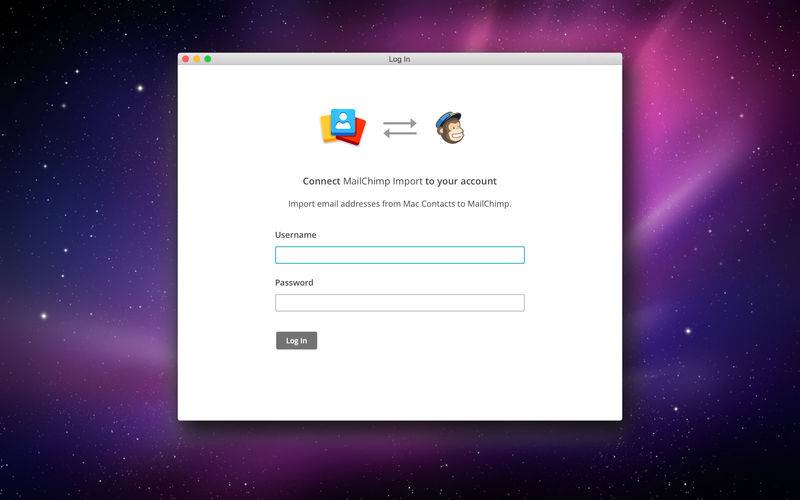
MailChimp Import is a simple app that lets you export contacts from your Apple address book to your MailChimp subscriber list.
Features
– View all subscribers from Apple address book, including any pulled from Google Contacts, iCloud, and other sources
– View groups from all sources
– Move contacts to import drop zone via drag and drop
– Use command + right arrow to move subscribers to the import drop zone
– Use command + k to remove all contacts from the import drop zone
– Use delete key to remove a contact from the import drop zone
– Use command + z to undo actions
– Select from account list menu of to choose list for importing contacts
– Search contacts
– Only imports Email, First name and Last name fields
– Single opt-in import
– Updates/overwrites existing data for First name and Last name fields.
– View details of import result
– Copy email addresses that failed to import to the clipboard
—
ABOUT MAILCHIMP
MailChimp helps you design email newsletters, share them on social networks, integrate with services you already use, and track your results. It’s like your own personal publishing platform.