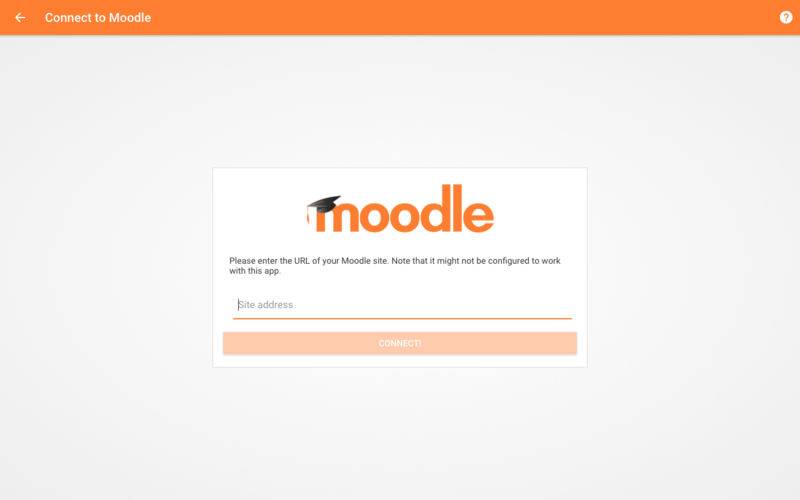
Introducing Moodle Desktop – the solution to accessing your Moodle courses on desktop.
With Moodle Desktop you can experience all these popular (and more) functionalities:
– View course activities and download materials offline.
– Quickly find and contact other people in your courses or organisation.
– Attempt quizzes, post in forums, play SCORM packages, edit wiki pages and more – on and offline.
– Upload images, audio, videos and other files from your desktop.
– View deadlines filtered by dates or course subjects.
– Receive instant notifications for messages, forum posts, calendar events and deadlines.
– Track your learning progress or grades.