Description
Paste To File allows you to paste the content in the clipboard as a file. It adds a ” Paste To File ” menu item to the Finder context menu.
* Features
Fast and Easy
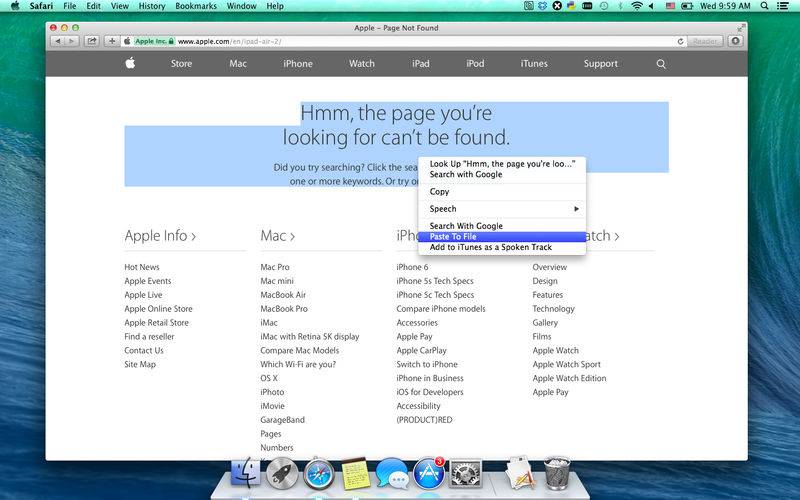
– Right click on any text and select ” Paste To File ” or “Services -> Paste To File ” to paste the clipboard content as a file.
Rich support
– Supports plain text, rich text, image, HTML, web archive clipboard content.
– Animated GIF (fps customizable) are also supported.
– It even allows you to copy a file and paste it’s icon as a file!
* Notes
-If the ” Paste To File ” menu item does not appear in the Finder context menu, please relaunch Paste To File and try again.
– In some OS X versions, you may need to logout and then login again to make the services being updated.
– Please also make sure that the ” Paste To File ” service is enabled in “System Preferences -> Keyboard -> Keyboard Shortcuts-> Services”.