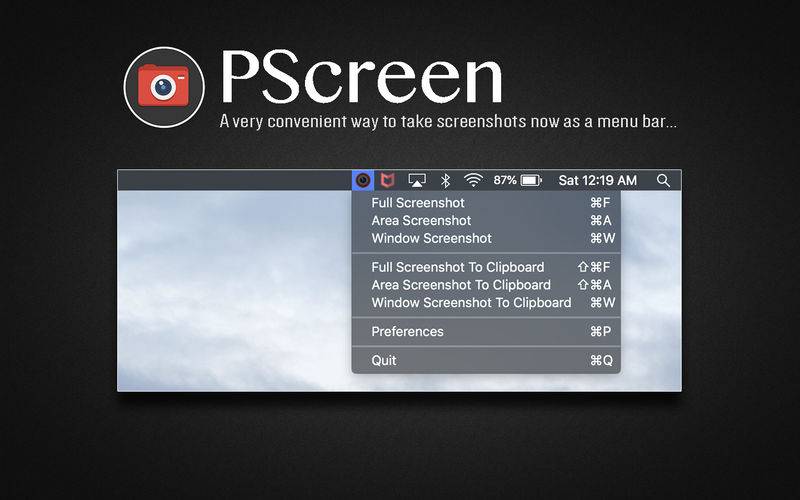
A very convenient way to take screenshots and now available as a menu bar application.
This initial release is fully supported with macOS High Sierra and includes the following features:
– “Full Screenshot” option to take screenshots of the entire screen.
– “Window Screenshot” option to take screenshots of specific windows.
– “Area Screenshot” option to take screenshots of specific areas on the screen.
– Clipboard support allowing you to paste images to any of your rich content applications such as Mail, Notes, and others.
– Includes 4 different screenshot image types including png, jpg, tiff, and pdf that can be set under preferences.
– Play sounds during screenshots can be toggle on and off in preferences.
– Show screenshots preview can also be toggle on and off in preferences.