Your photo ISO was not set properly, or the lighting changed during the photo session and was not perfectly adjusted! Many of your photos now look too warm or a tad too cold!
No Problem…
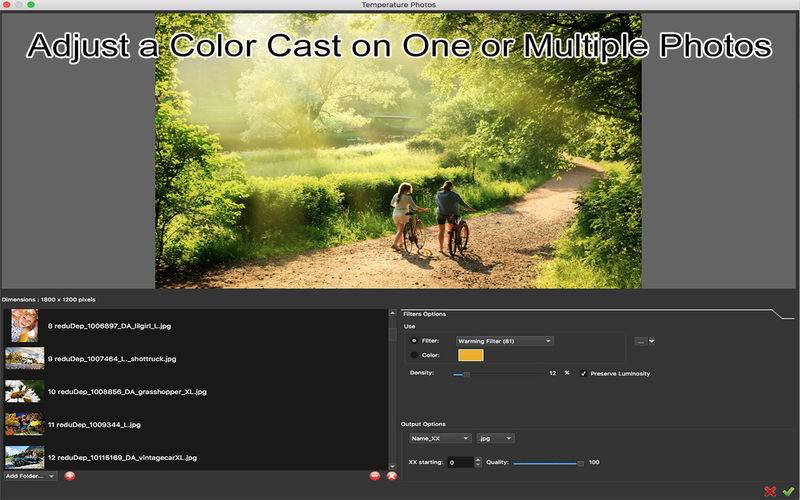
TemperaturePhotos lets you apply a photographic filter instantly on one or a batch of photos…
– Batch process one or multiple images of any size
– Select from a preset of cool/warm lenses compatible with Photoshop standards
– Option to preserve luminosity.
– Use a ColorWheel to use your own color lens.
– Get Creative and easily create Black&White, Sepia, Cyanotype effects on one or multiple photos in one click.
– Keep your original intact and save in different location with different name or even different file format.