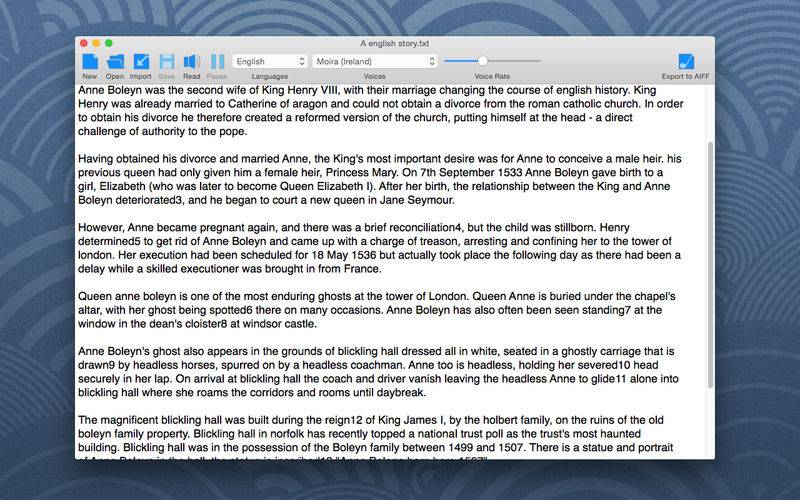
Text Reader is used for reading text and converting text to audio. It is also a simple plain text editor.
– Simple to use: You can load text from TEXT / RTF / RTFD file etc, or just copy / paste text into the editor, and click the Read button.
– Support all available high quality voices in the system.
– Convert text to AIFF.
– You can start, pause, resume, stop speaking, or change the voice rate.
– Support highlighting the reading word.
TIP: You can add new voices to your mac by clicking System Preferences – Dictation & Speech – Text to Speech – System Voice – Customize, then select and download the voices you want, after that, restart the Text Reader and it will find the new voices.