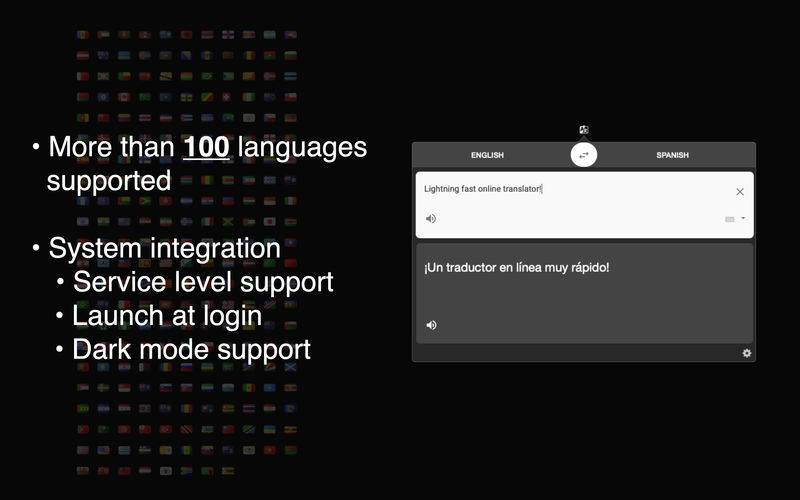
Online translator with wide range of supported languages.
Read articles and documents across language barriers!
Translation service selection: currently provided access to 2 online translators.
System integration:
– Service level support able to translate text from almost any app – just select piece of text you would like to translate, click right mouse button and choose Services > Translate It menu item to translate it!
– Translate text from Clipboard and copy results to Clipboard.
– Launch at login able to launch application at system startup. Enable it via application menu called from service button (gear icon) in the bottom right corner of application window.
– Translate selected text from any your app with system wide hotkey (Cmd+Shift+E). You can set your own hotkey via System Preferences > Keyboard > Shortcuts > Services > Text section > Translate It.
– PopClip extension plugin.
– Native support for Dark mode.
Application requires internet connection.