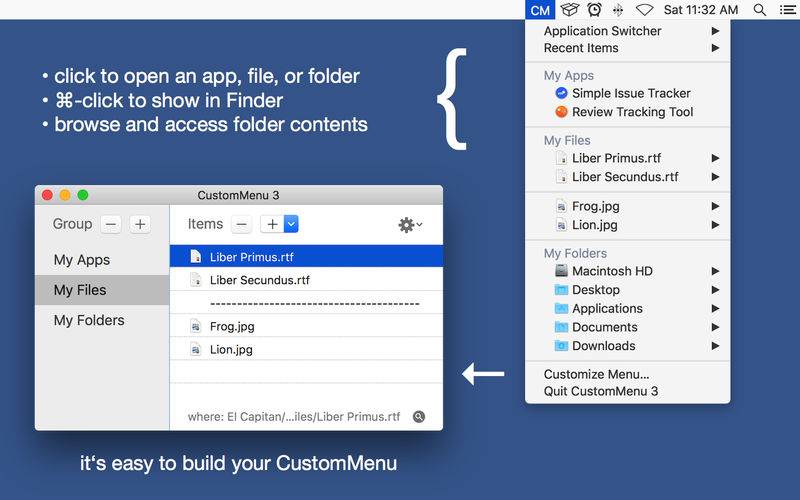
CustomMenu 3 lets you build your own global menu to quickly access your favorite apps, files, and folders.
Within your custom menu, you can:
• simply click to open an app, file or folder.
• cmd-click to show the app, file or folder in the Finder.
• easily browse and access hierarchical folder contents.
• view file info (kind, size, created, modified, preview).
• select the app to open a file.
• easily switch between running apps.
CustomMenu is always at your fingertips:
• via the global menu.
• via customizable keyboard shortcut.
• at the current mouse location.
• even in full-screen mode.
CustomMenu 3 is the successor of the classic CustomMenu and has been completely rewritten to be even better. The new features are:
– The new preview feature allows you to look at the contents of a file.
– A new submenu now lists the apps, files, and folders you have recently used.
– The Application Switcher can now hide other apps automatically.
– New option for developers to show hidden files and package contents.
– A modernized user interface.
– Several other improvements, new options, and minor bug fixes.
If you have feedback or if you need support, please do not hesitate to contact: mail@pointworks.de